For vibecoders
Stop drifting.
Ship what you meant to.
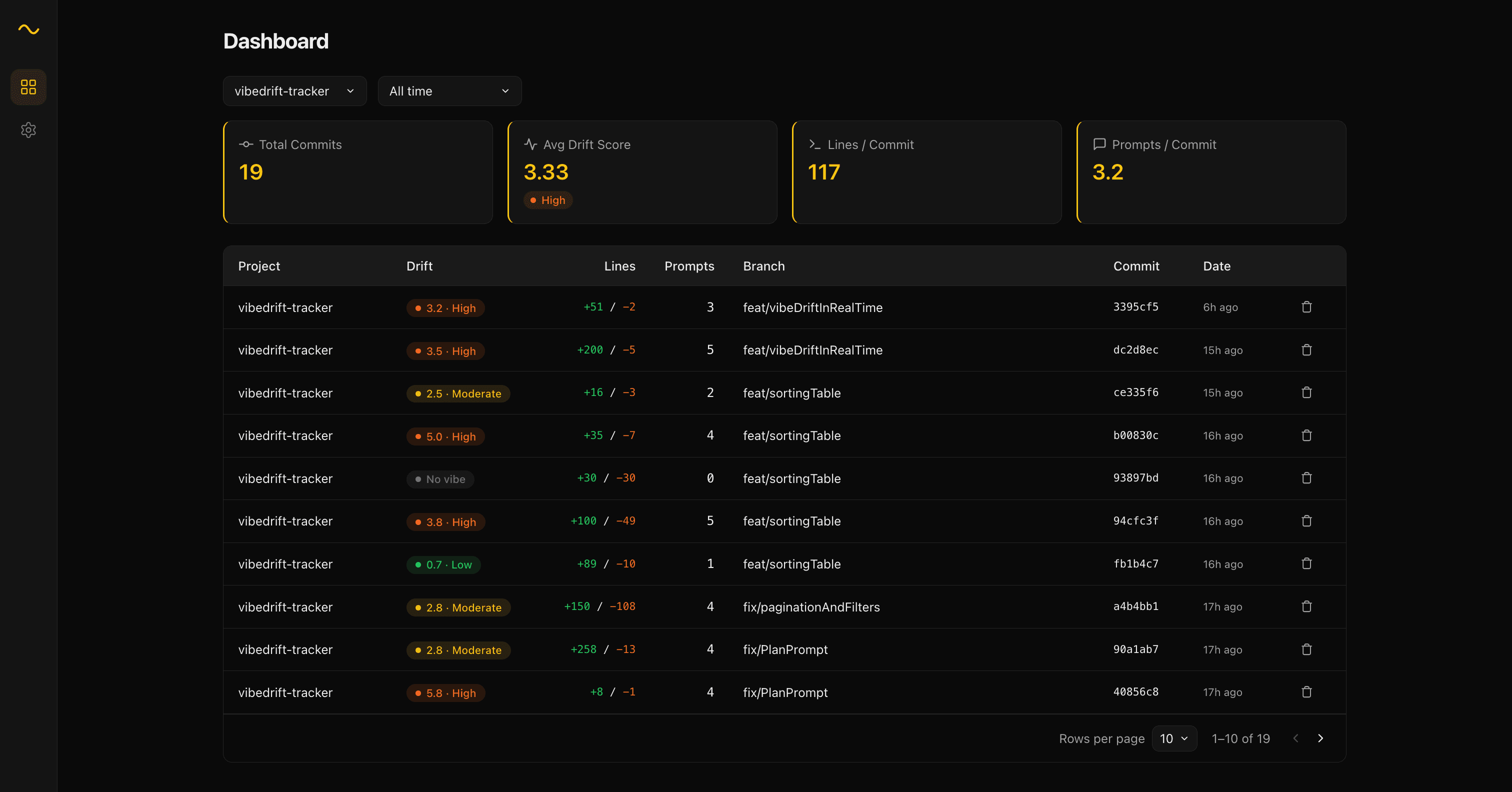
VibeDriftTracker tracks your Claude Code interactions per commit. See when you're on track — and when you're losing the plot.
Get started
1
Create an account
Sign up — it only takes a few seconds.
2
Create an API key
Go to Settings and generate your personal API key.
4
Set your API key in VS Code
Open VS Code settings and paste your key into vibedrift.apiKey.
How it works
Install the extension
One click in VS Code.
Code with Claude
Write code, ask questions, iterate. We silently count.
See your drift live
Watch your drift score update in real time as you code.
Commit your work
Every git commit saves a snapshot of your session.
Track your history
Prompts, lines changed, drift score — commit by commit.
What you'll see
After every commit, VibeDrift tells you exactly where you stand.